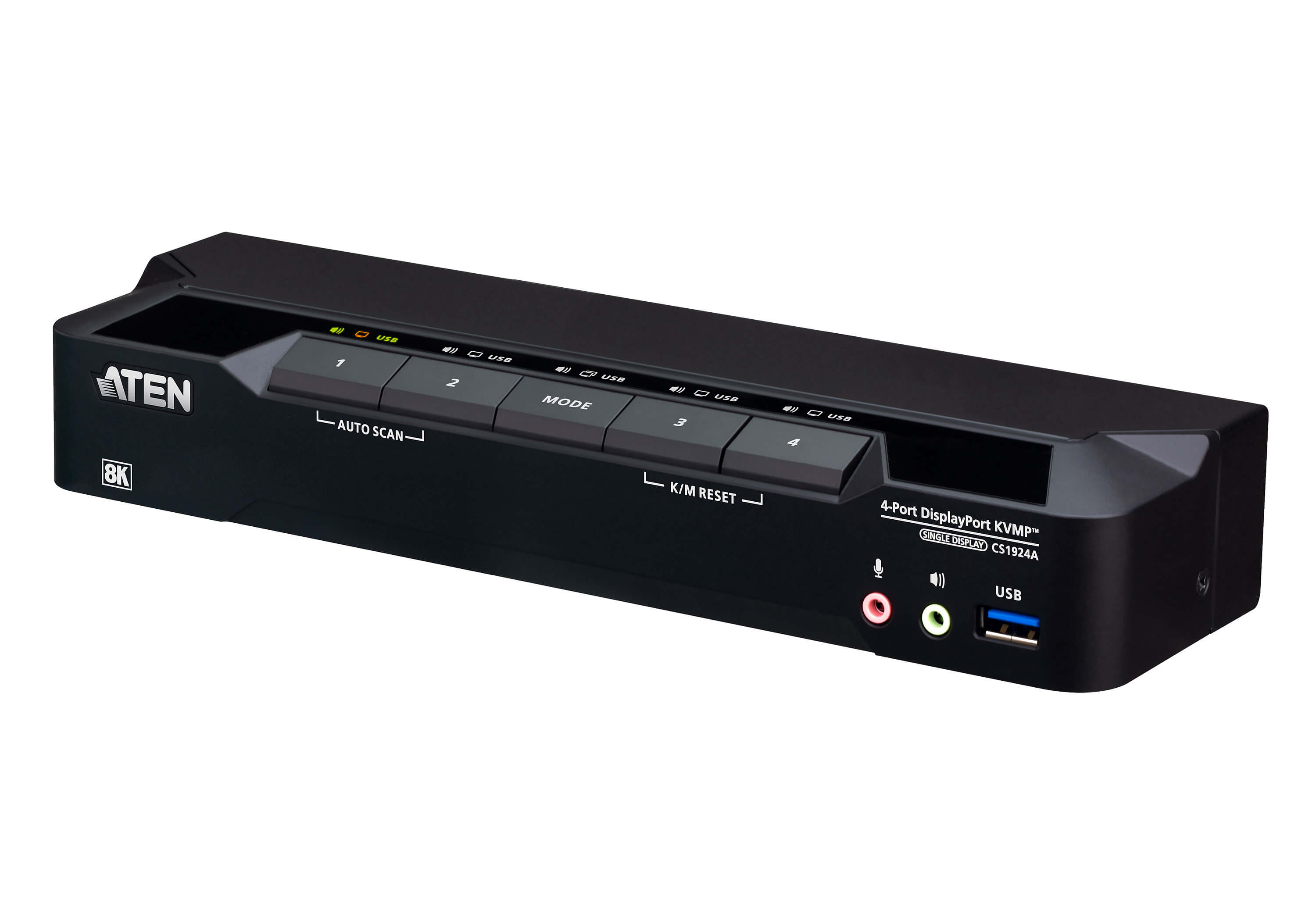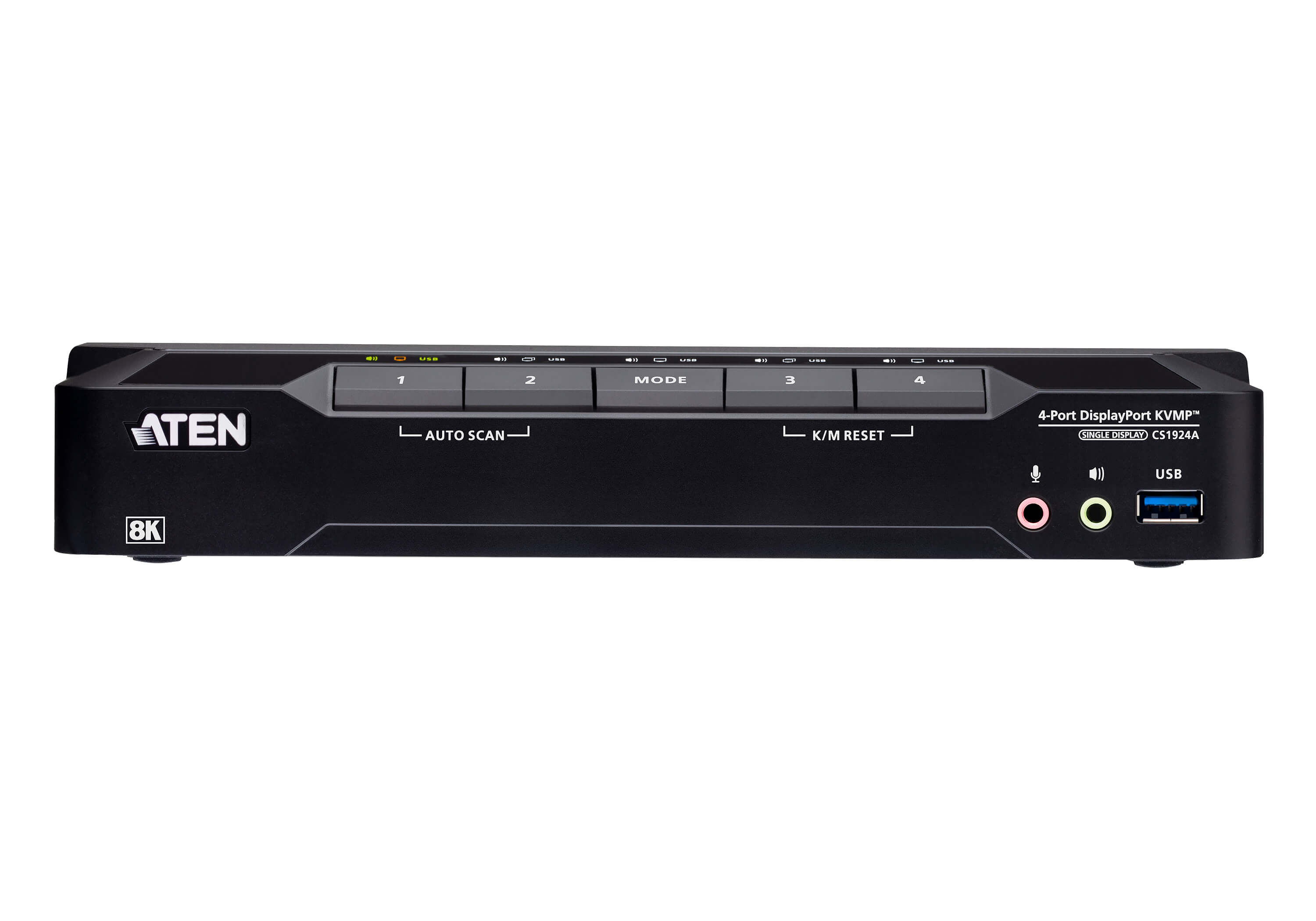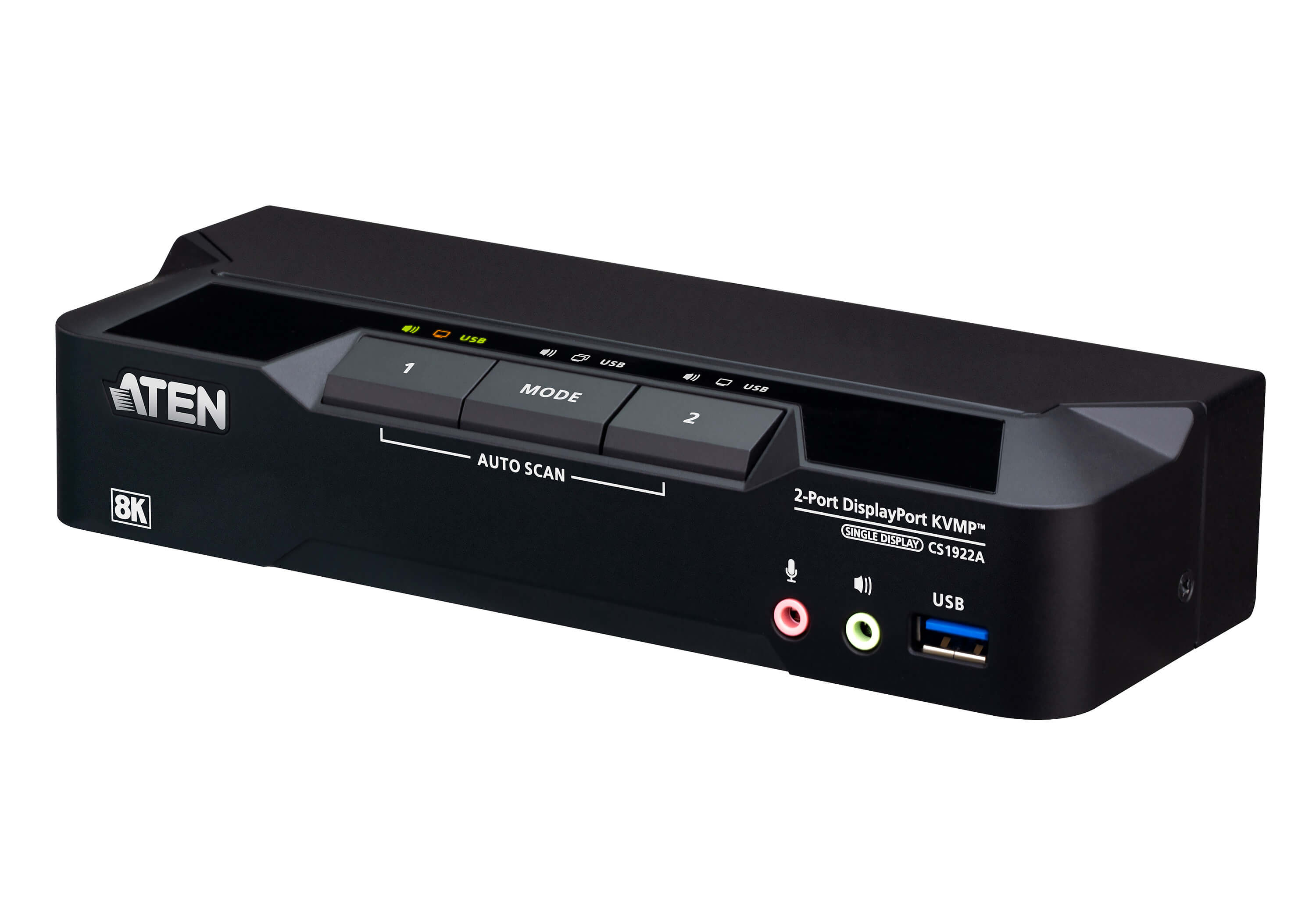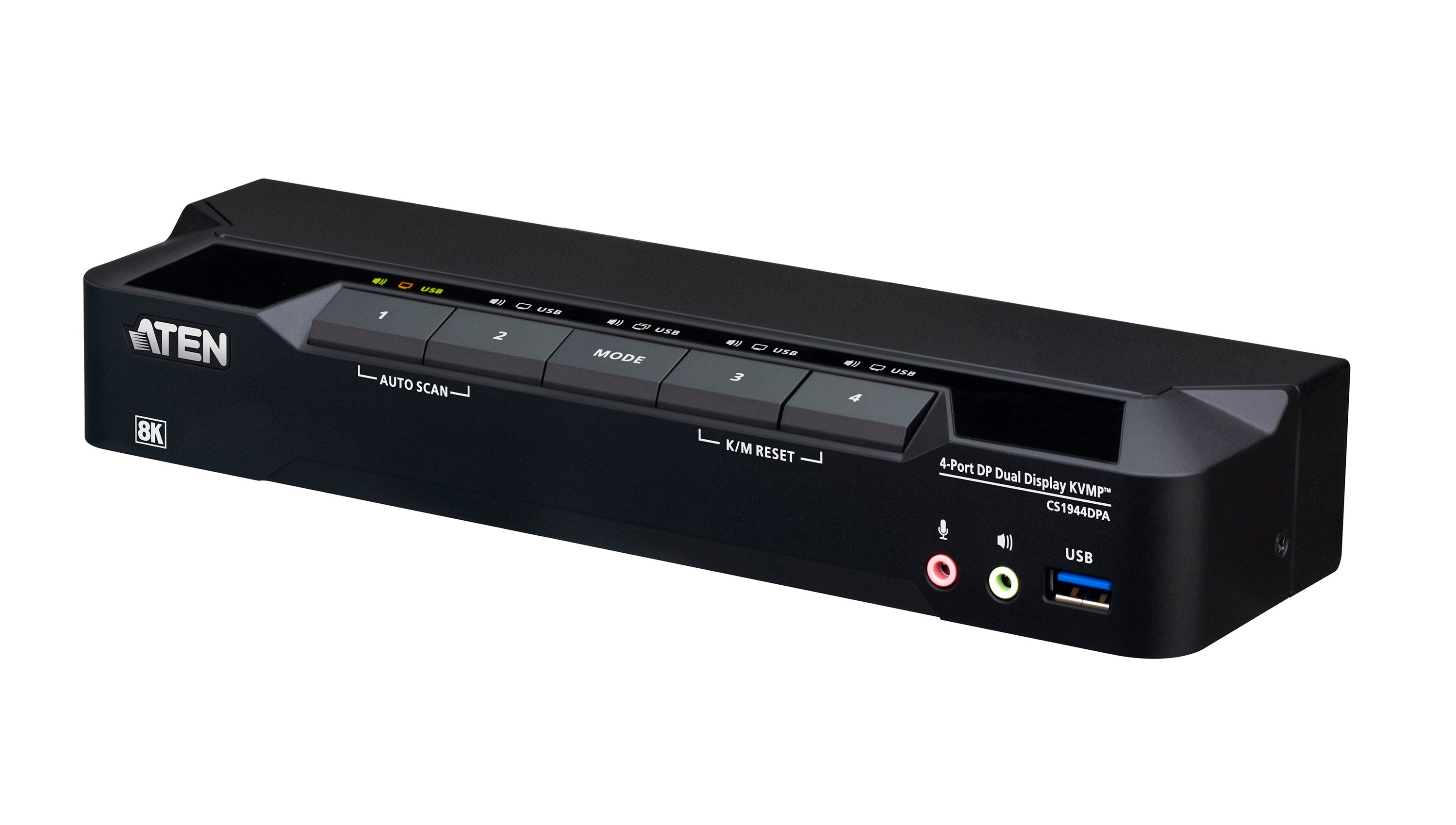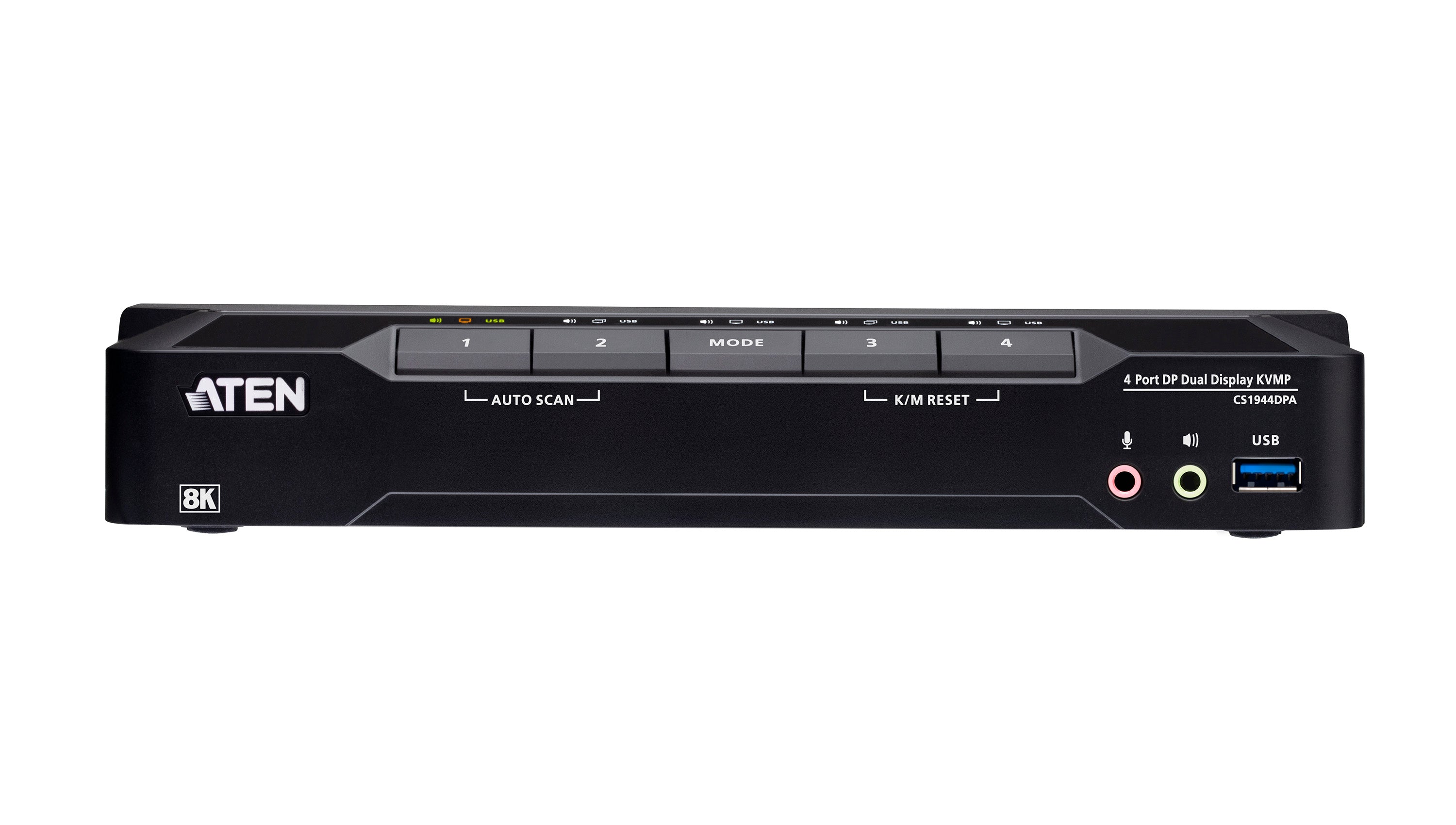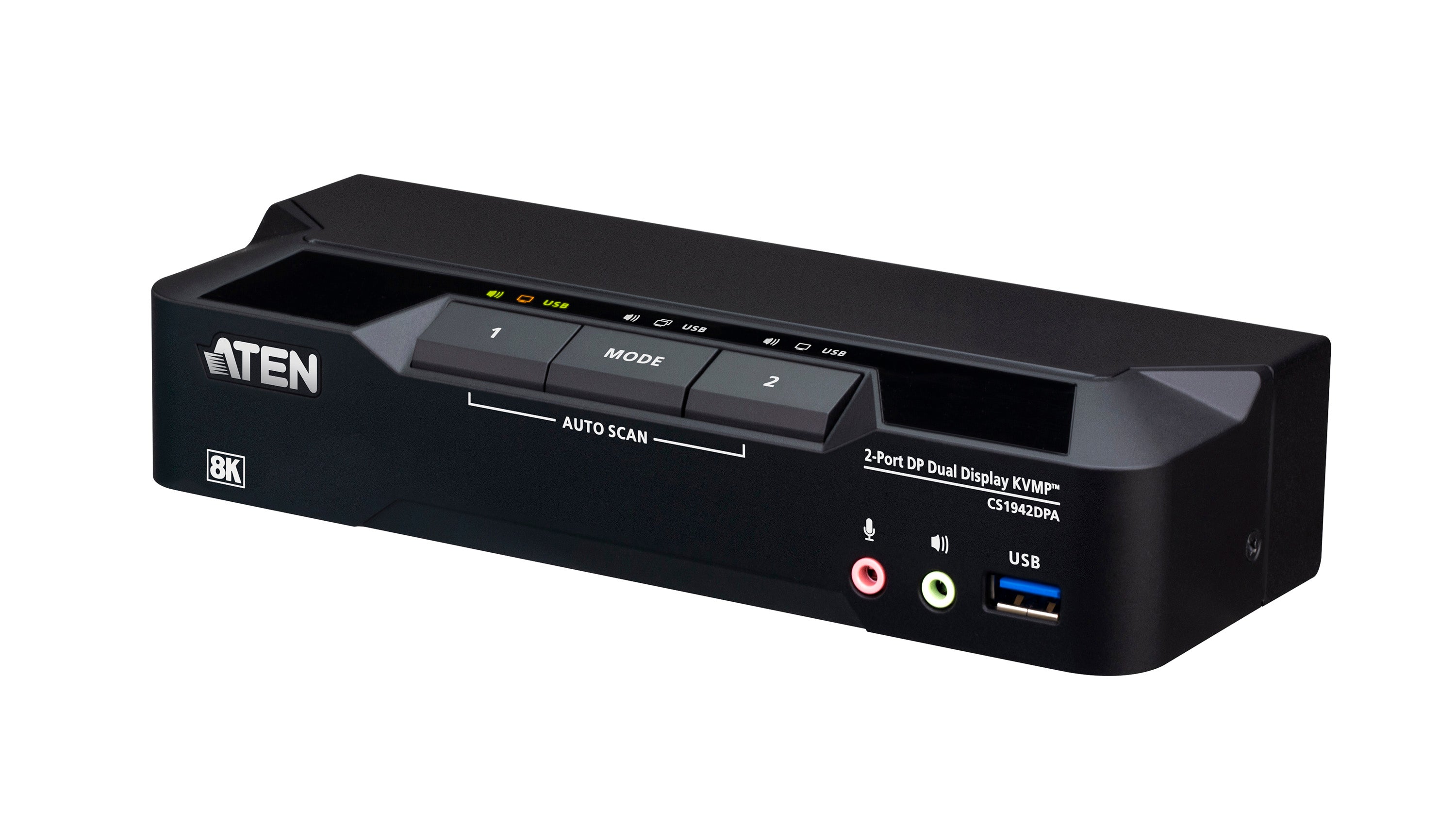
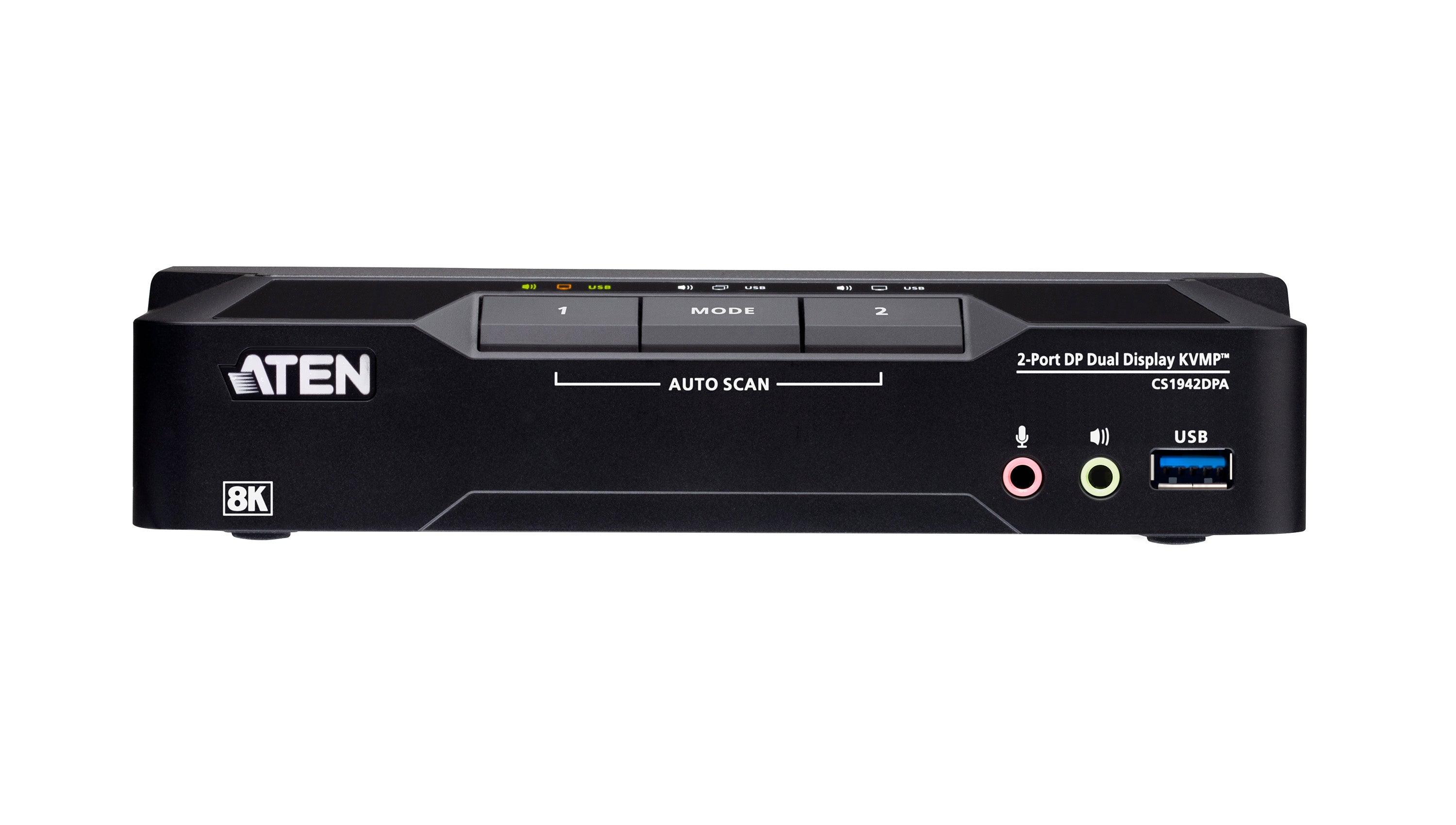
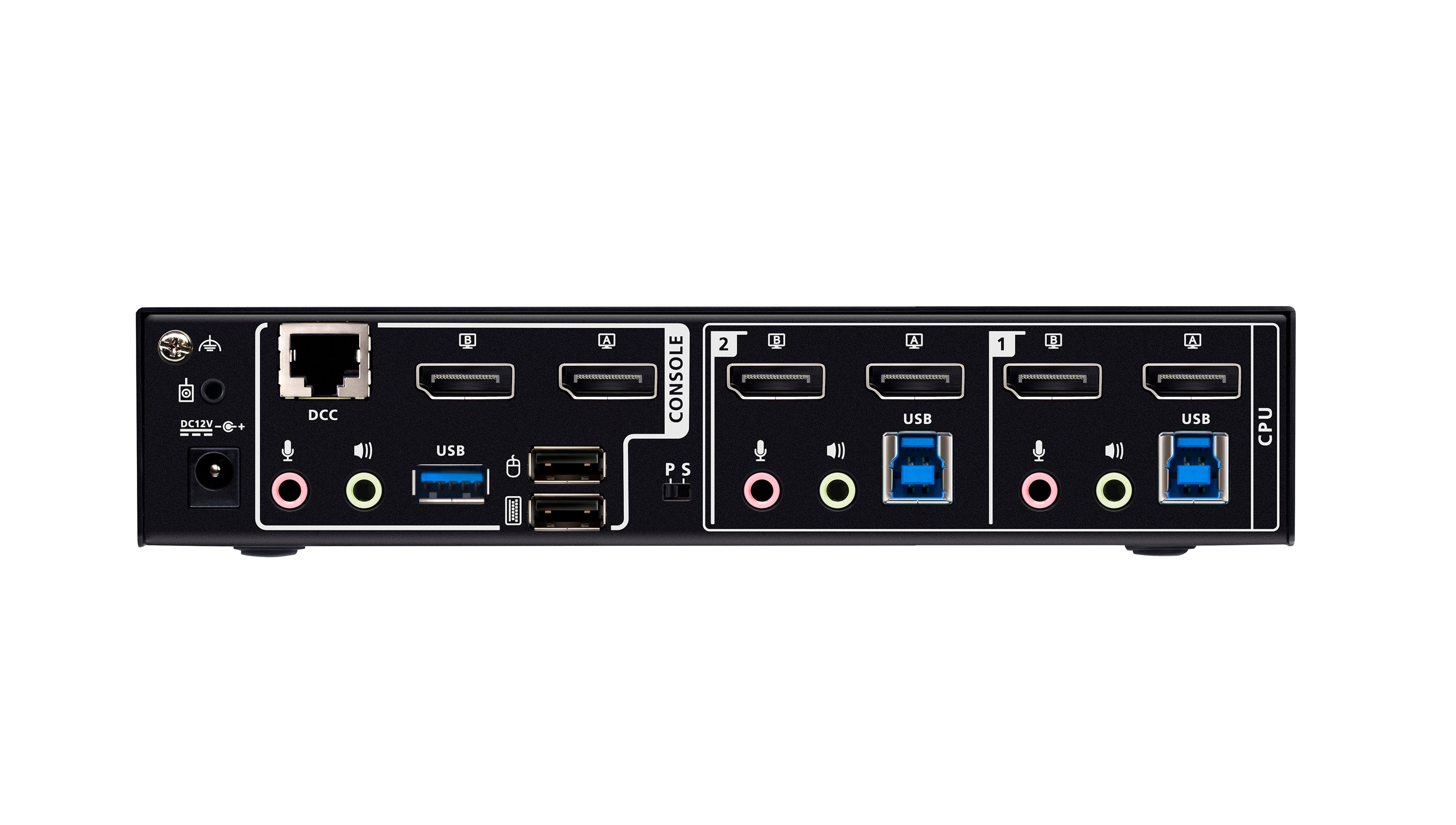
2-Port USB 3.0 8K DisplayPort Dual-Display KVMP™ Switch
UPC: 672792016851



Choose options


2 DisplayPort PCs, 2 DisplayPort Displays, One KVM Console
The CS1942DPA is a 2-port KVM switch that empowers you to switch between projects with ease on a 2-PC, dual-display desktop. With a single keyboard and mouse, you can maintain a tidy workspace while simplifying control of two DisplayPort computers across two DisplayPort displays. Whether you're a professional seeking a productivity booster for your daily office routines, a content creator, a hybrid worker, or someone looking for an immersive entertainment setup, the CS1942DPA is definitely your key to a workspace transformation.
Unlock your creativity at this multitasking KVM workstation with:
● A pristine visual experience up to 4K@120 and 8K@60
● Ultra-wide 21:9 and 32:9 aspect ratios for an expansive viewing experience
● A 2-port USB 3.0 hub for peripheral sharing, supporting up to 5 Gbps data transfer
● Multi-system compatibility with Windows, macOS, and Linux

Dual 8K HDR10+ Visuals with Ultra-Smooth Refresh Rates
Experience breathtaking visuals with 8K HDR10+ on a dual-display KVM console that brings every frame to life with richer brightness, deeper contrast, and more vibrant color. Leveraging advanced 8K bandwidth and ultra-smooth refresh rates at 4K 144/165/240 Hz and 5120 × 1440 at 120/144 Hz, this KVM switch ensures fluid, immersive visual performance – whether you're designing, editing, coding, or gaming.

USB 3.0 Peripheral Sharing
Media and data sharing between computers is effortless as a plug-and-play connection of any peripheral device (e.g. flash drive, printer, scanner, etc) to the USB 3.0 ports on the KVM switch, delivering SuperSpeed 5 Gbps performance.

Daisy-Chainable Quad-Display Desktop Transformation
Transform your desktop into a quad-display powerhouse by daisy-chaining two CS1942DPA KVM switches via their DCC ports. This multi-system KVM console empowers you to control up to four computers across four displays with just one keyboard and mouse. It's an extraordinarily helpful solution for streamlining any hybrid workflow where multitasking is essential.

Vast Screen Real Estate with 21:9 and 32:9
Level up your KVM console with support for 21:9 and 32:9 ultra-wide aspect ratios, unlocking expansive screen real estate that transforms how you work and manage multiple systems. With an ultra-wide display, complex workflows and multiple application windows can coexist on a single screen without bezels, allowing you to view, compare, and jump between them effortlessly – without juggling screens or constantly toggling layouts.

Flexible Port Switching
Port switching is quick and flexible via pushbuttons, hotkeys, mouse, RS-232 commands, or the remote port selector – whichever best fits your workflow. With independent switching, the focus of KVM, USB peripherals, or audio can be assigned to one computer while the others remain on another, enabling flexible operation across systems from a single KVM console.

All Accessories Included
Everything you need is included – 4 DisplayPort cables, 2 USB 3.0 A to B cables, 1 power adapter, and 1 remote port selector (wired switch button) – for instant setup.


Applications
The CS1942DPA is a productivity booster for multitasking on a powerful 2-PC, dual-display desktop within a comfy, tidy setup. With the flexibility to scale up to a quad-display KVM console, it further unlocks creativity to handle any hybrid workflow.

High-Performance Hardware and Display Capabilities
- Supports Quad-Display by connecting two Dual-Display KVM switches
- Superior video quality – up to 7680 × 4320 @ 60 Hz, 5120 × 2880 @ 60 Hz, and 4096 × 2160 @ 120 Hz
- Two USB 3.1 Gen 1 ports with SuperSpeed 5 Gbps transfer rates
- Supports DisplayPort Dual-Mode technology (DP++)1
- Supports MST (Multi-Stream Transport) 2
- DisplayPort 1.4 compliant
- HDCP compliant
- Supports HDR 10+
- Supports HD Audio3
-
Supports hot-plugging
Comprehensive Management and Switching Controls
- One USB keyboard and mouse control two or four DisplayPort computers and share two USB peripherals
- Computer selection via pushbuttons, remote port selector, hotkeys, mouse4, and RS-232 commands
- Independent switching of KVM, USB, and Audio
- Console keyboard/mouse emulation/bypass support
- Power-on detection automatically switches to the next active computer
- Firmware upgradeable
-
Multilingual keyboard mapping – supports English, Japanese, French, and German keyboards5
Streamlined, Ready-to-Use Experience
- Plug & play
- All DisplayPort/USB cables and power adapter included for hassle-free installation – no extra purchases needed
-
Multiplatform support – Windows, Mac, and Linux
Note:
1. DP++ (DP Dual Mode) requires a DP++ adapter (powered DP++ adapter recommended). The graphics source must be DP++ compliant.
2. MST (Multi-Stream Transport) requires monitors capable of DisplayPort 1.4 daisy-chaining or the use of a powered DisplayPort MST hub. The PC source must be DisplayPort 1.4 compliant. A DisplayPort 1.1a or 1.2 display can be the last display in a DisplayPort 1.4 chain.
3. HD audio through HDMI cannot be switched independently.
4. For 3-button USB wheel mouse only. Mouse-port switching is supported only under mouse emulation mode.
5. PC keyboard combinations emulate Mac keyboards. Mac keyboards only work with Mac computers.
Need more help with this product? Visit IOGEAR Knowledge Base
3 (Green) 3 (Green) USB DC12V:3.29W:109BTU/h Note:The measurement in Watts indicates the typical power consumption of the device with no external loading. The measurement in BTU/h indicates the power consumption of the device when it is fully loaded. 20.2 in (51.31 cm) 13.5 in (34.29 cm) 9.2 in (23.37 cm) 5 3.9 lb (1.77 kg) 20.6 lbs ( 9.34 kgs)
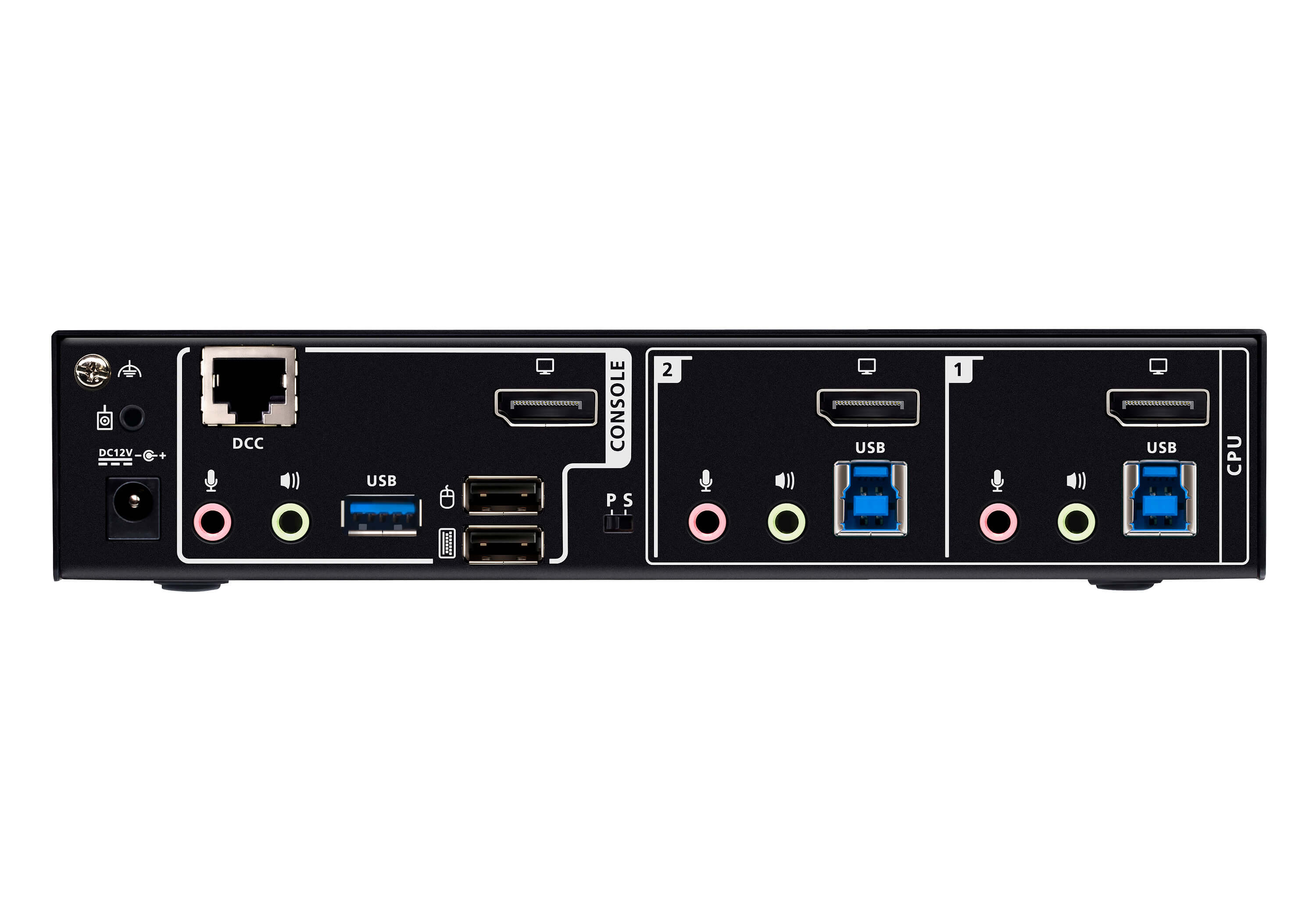
Function CS1942DPA Computer Connections Direct 2 Port Selection Hotkey, Pushbutton, Mouse wheel, RS-232 Commands, Remote port selector Console Connectors Console Ports 2 x USB Type A Female
2 x DisplayPort Female (Black)
2 x 3.5mm Audio Jack Female (Green; 1 x front, 1 x rear)
2 x 3.5mm Audio Jack Female (Pink; 1 x front, 1 x rear) KVM (Computer) Ports 2 x USB3.1 Gen1 Type B Female (Blue)
4 x DisplayPort Female (Black)
2 x 3.5mm Audio Jack Female (Green)
2 x 3.5mm Audio Jack Female (Pink) Daisy Chain Ports 1 x RJ-45 Female Power 1 x DC Jack USB Hub 2 x USB3.1 Gen1 Type A Female (Blue; 1 x front; 1 x rear) LEDs KVM 3 (Orange) Audio USB Link Switches Selected 3 x Pushbutton Station Selection 1 x Slide Switch Emulation Keyboad/Mouse Video Resolution Up to 7680 x 4320 @ 60 Hz, 5120 x 2880@60Hz, 4096 x 2160@120Hz Scan Interval 1~99 seconds (5 seconds default) Power Consumption Environment Operation Temperature 0~50C Storage Temperature -20~60C Humidity 0~80% RH, Non-condensing Housing Case Metal
Dimensions CS1944DPA Unit Dimensions Height 1.69 in (4.29 cm) Length 7.87 in (19.99 cm) Width 2.87 in (7.29 cm) Unit Package Dimensions Height 8.2 in (20.83 cm) Length 12.8 in (32.51 cm) Width 3.9 in (9.91 cm) Master Carton Height Length Width Master Carton Quantity Weight Unit Wt. 1.04 lb (0.47 kg) Unit Package Wt. Master Carton Wt.
During this Limited Warranty Period, ATEN will, in its sole discretion, repair or replace a defective product. This is the end user’s sole remedy. ATEN does not guarantee uninterrupted or error-free operation of the products. The warranty will not apply if (i) the product is damaged by accident, improper installation, intentional or accidental misuse, abuse, neglect, improper maintenance, use with products not manufactured or supplied by ATEN, abnormal use, lightning, fire, water, or other acts of nature; (ii) the product is damaged by alterations or repairs done by anyone other than ATEN or an ATEN authorized service provider; or (iii) the damage is cosmetic in nature or reasonably expected as a result of normal wear and tear. Replaced and repaired products undertake the remaining warranty period of the original product.
IN NO EVENT WILL ATEN BE LIABLE FOR ANY LOSS OF USE, REVENUES, ANTICIPATORY PROFIT, OR DIRECT OR INDIRECT CONSEQUENTIAL DAMAGES ARISING OUT OF OR CONNECTED WITH THE SALES, USE, OPERATION, OR INABILITY TO USE OF THE PRODUCTS SOLD.
EXCEPT AS OTHERWISE PROVIDED IN THIS SECTION, ATEN MAKES NO REPRESENTATIONS OR WARRANTIES, WHETHER EXPRESSED OR IMPLIED, WITH RESPECT TO ANY OF THE PRODUCTS, INCLUDING WITHOUT LIMITATION, WARRANTIES OF MERCHANTABILITY OR FITNESS FOR A PARTICULAR PURPOSE, AND ALL SUCH WARRANTIES ARE EXPRESSLY DISCLAIMED UNLESS SUCH A DISCLAIMER IS OTHERWISE PROHIBITED BY LAW.
For warranty questions or assistance, please contact ATEN in the US and Canada at 888-999-2836 option 2 or email us at support@aten-usa.com.
You may also like